
Restaurants and cafés
Your menu items in appetising light, with one consistent look across all of them.
- Digital and printed menus
- Social media ads and offers
- One look for every item
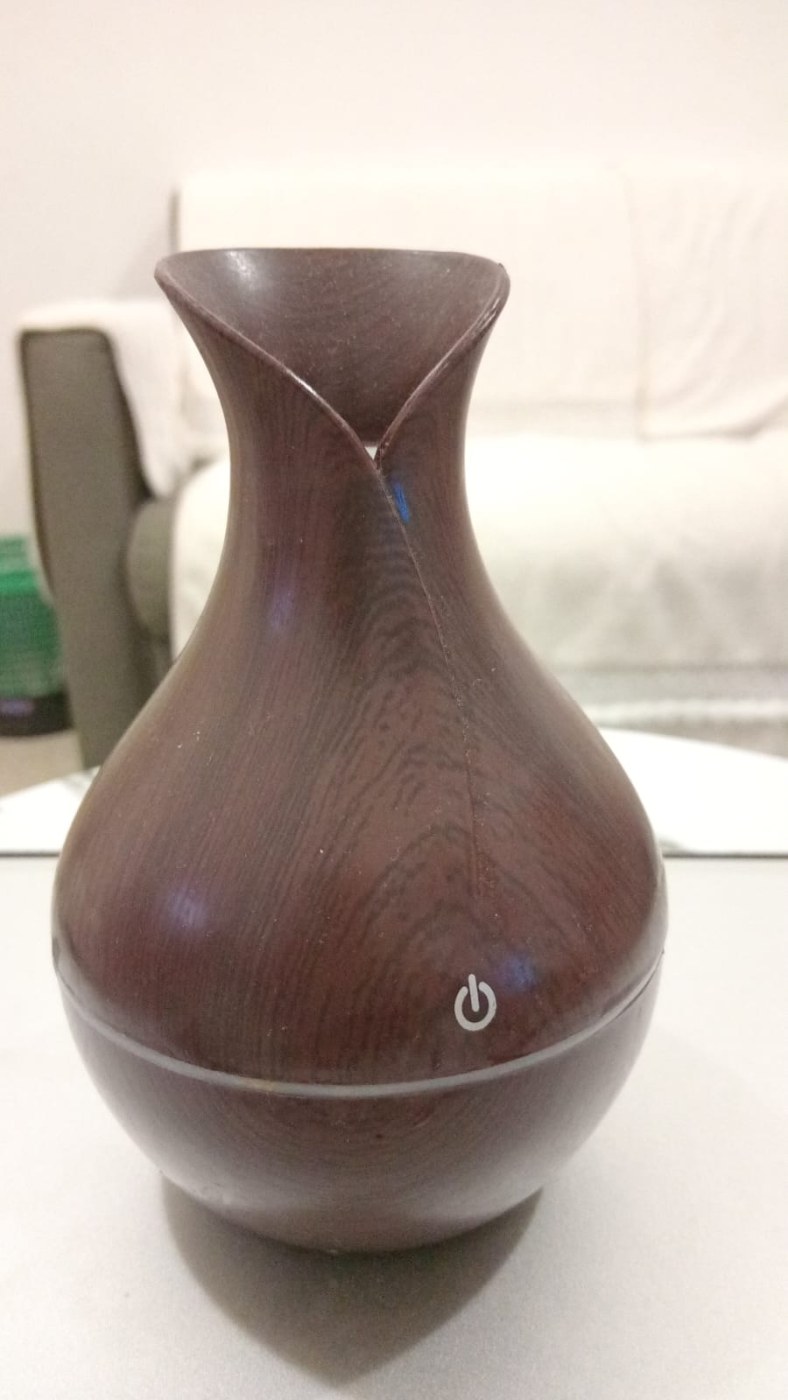
Upload your photos exactly as they are — even straight from a phone — pick the background, lighting and size, and the studio rebuilds them for your restaurant menu or your store pages. Every try is a photo you keep, and every pack starts with free tries.
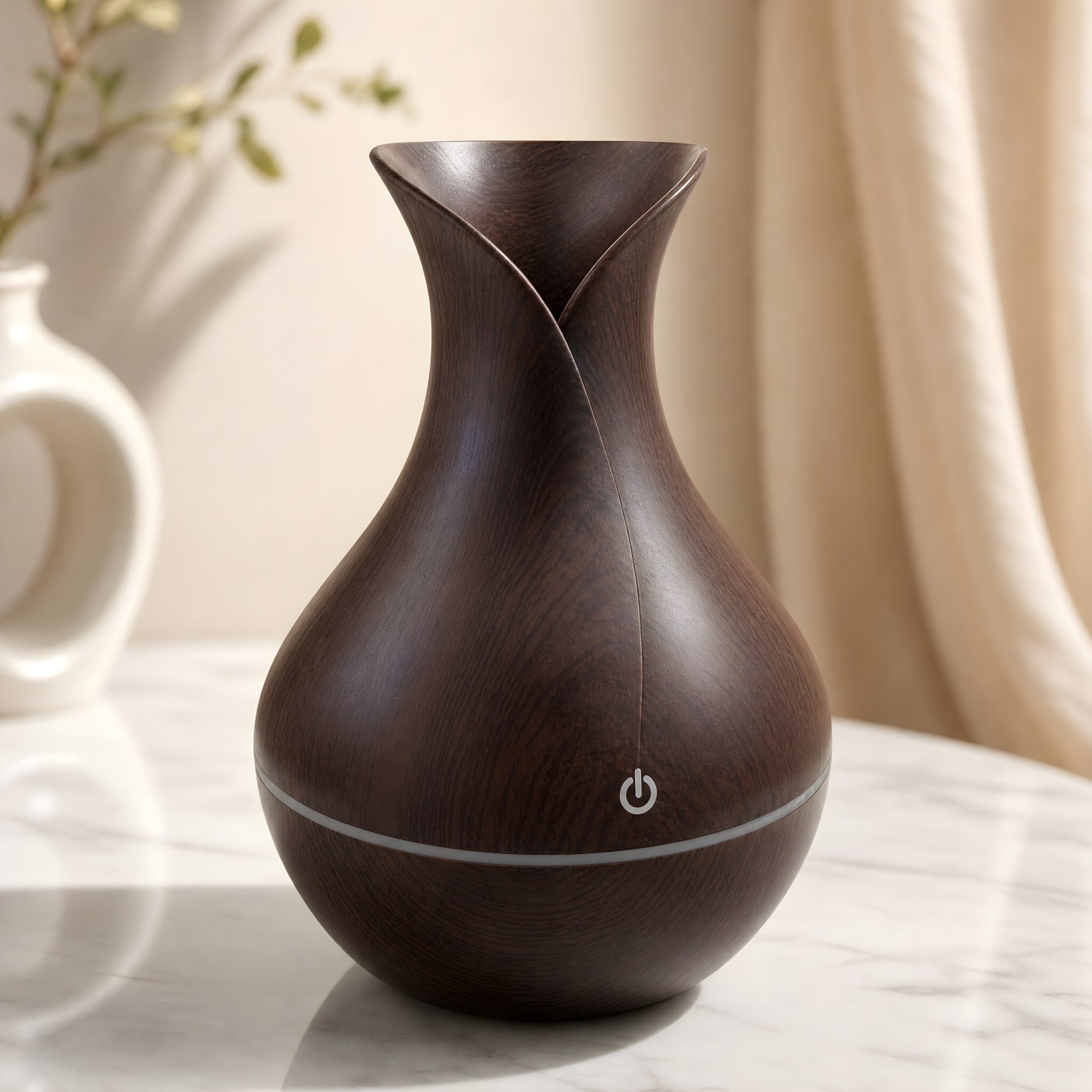
 Before
After
Drag the line left and right
A dish on a menu or a product in an online store — the photo is where the customer decides to keep going or scroll past.
Your menu items in appetising light, with one consistent look across all of them.
Clean product photos in one size that make your store look professional.
Sweets, perfumes, handmade goods… shoot them on your phone and let the studio do the rest.
Every comparison here comes from a real photo: the left is the original, the right is what came out of the studio.
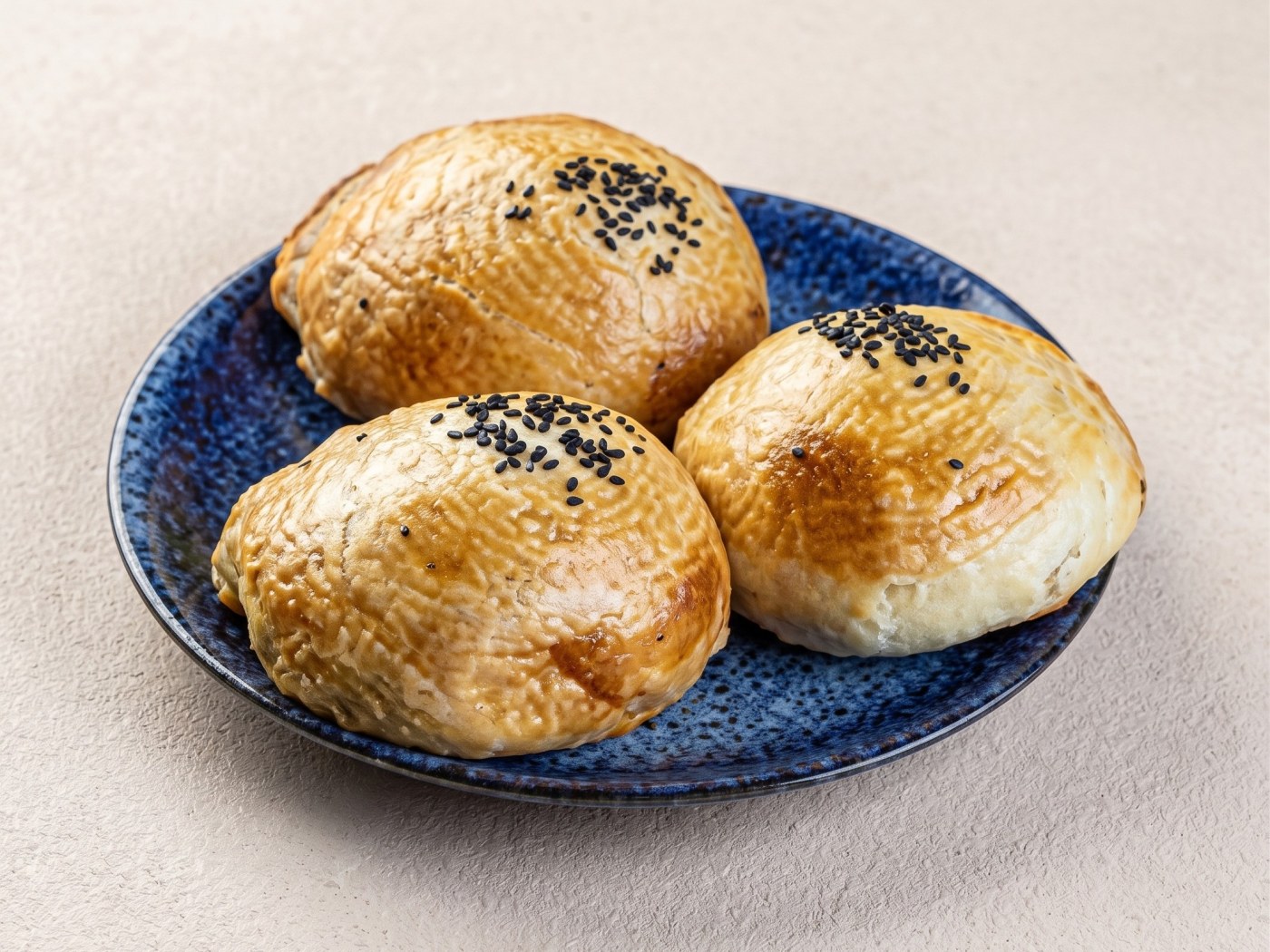
 Before
After
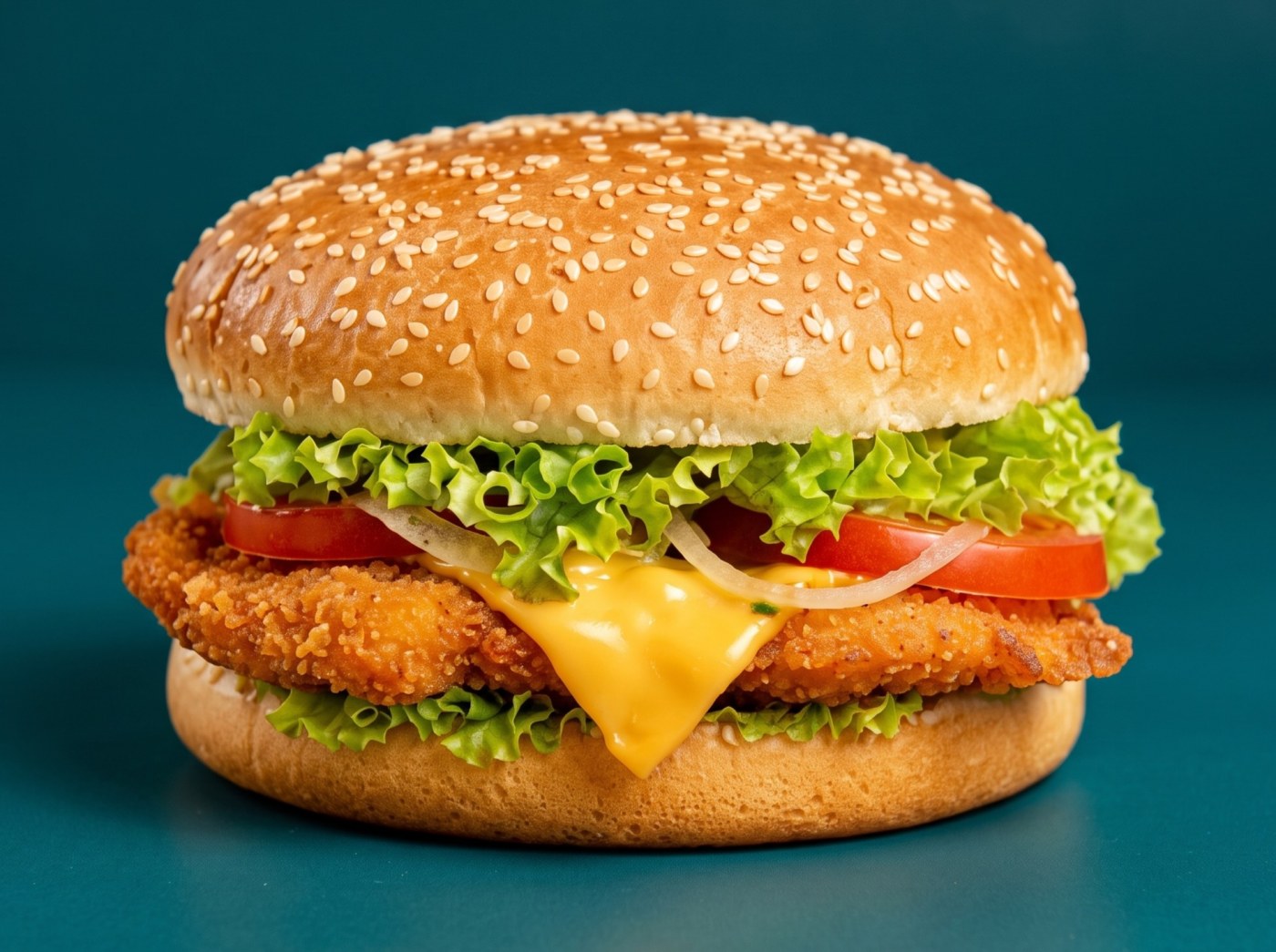
 Before
After
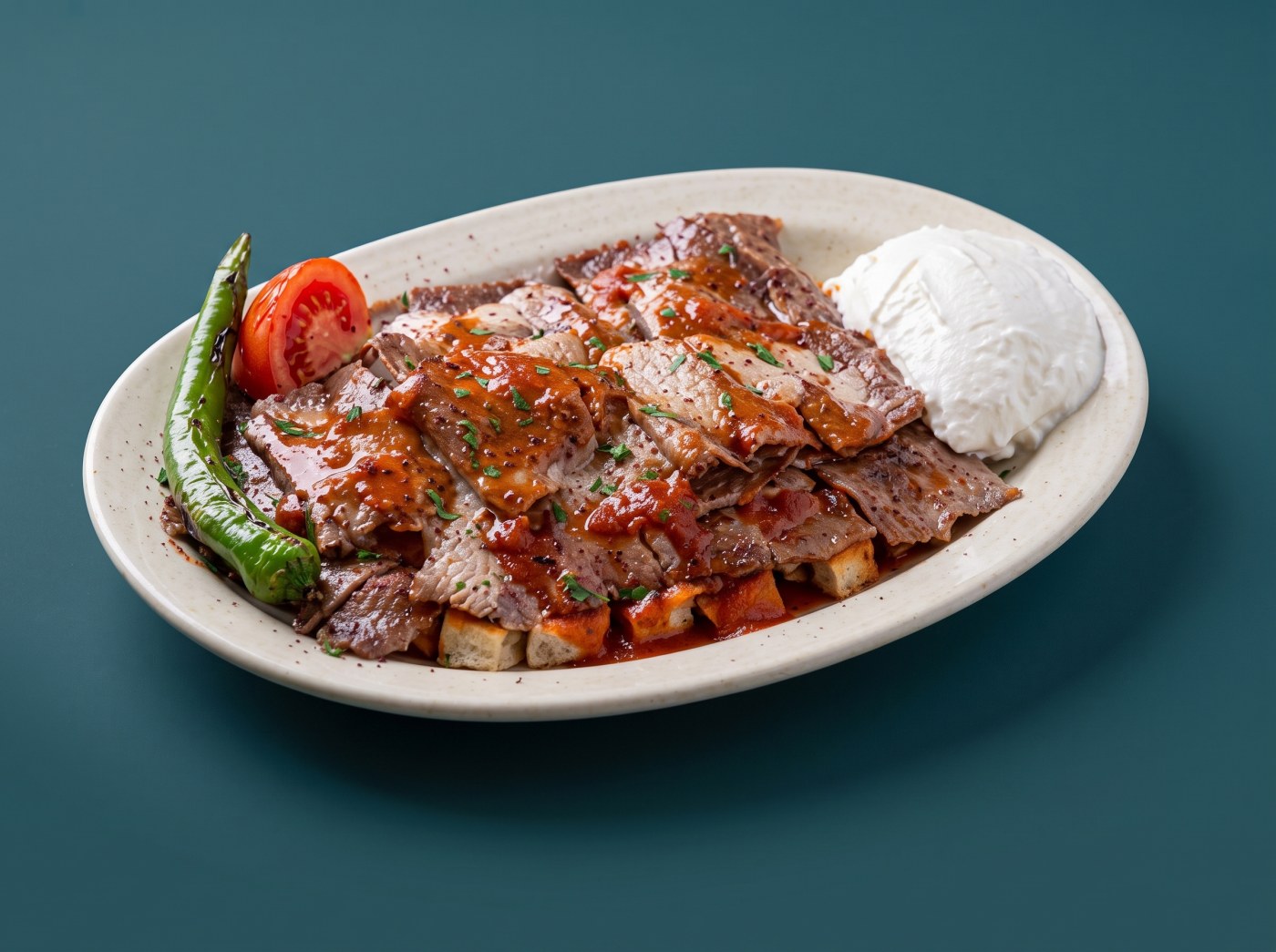
 Before
After
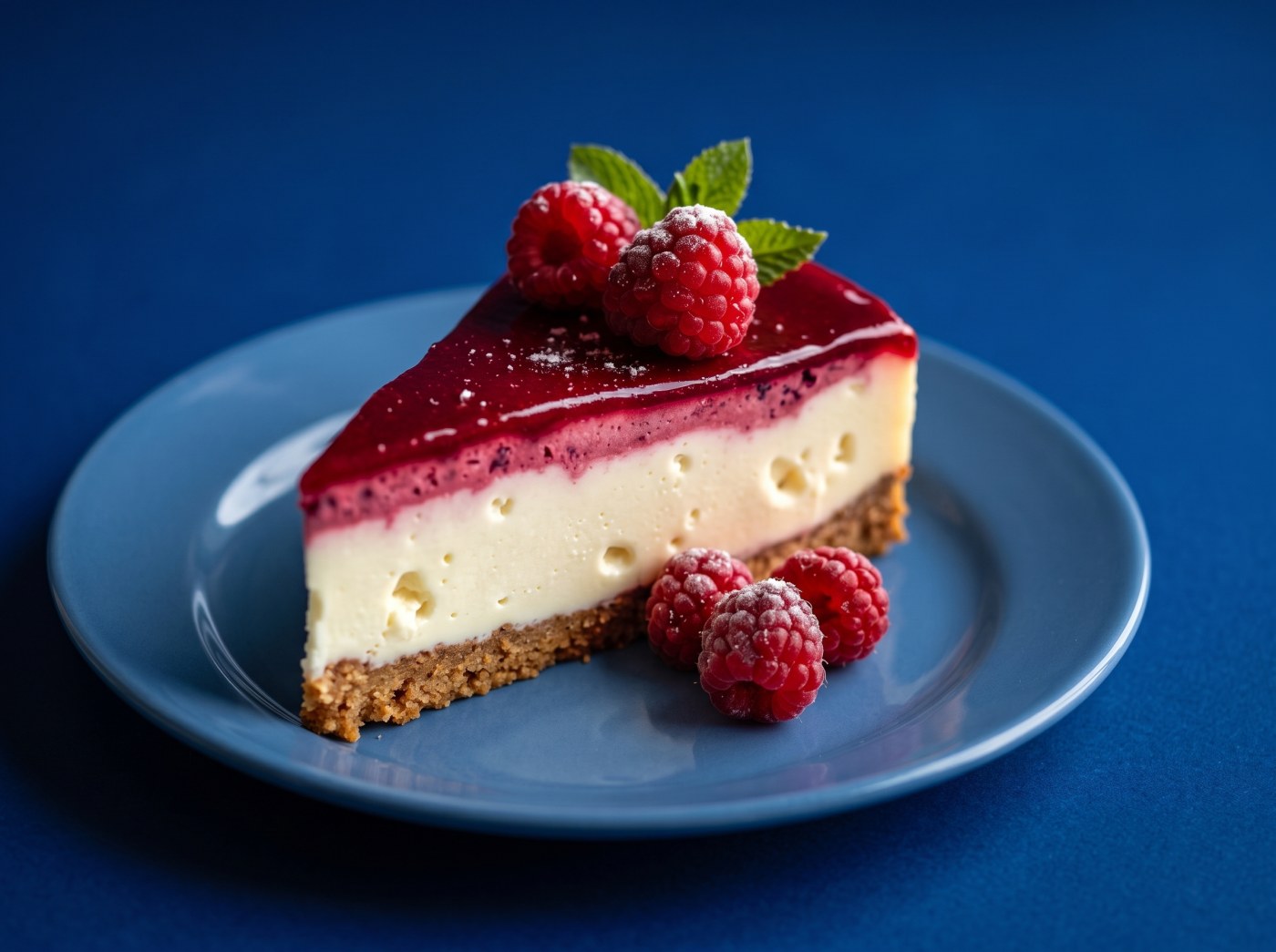
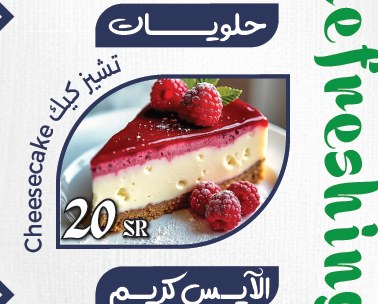 Before
After
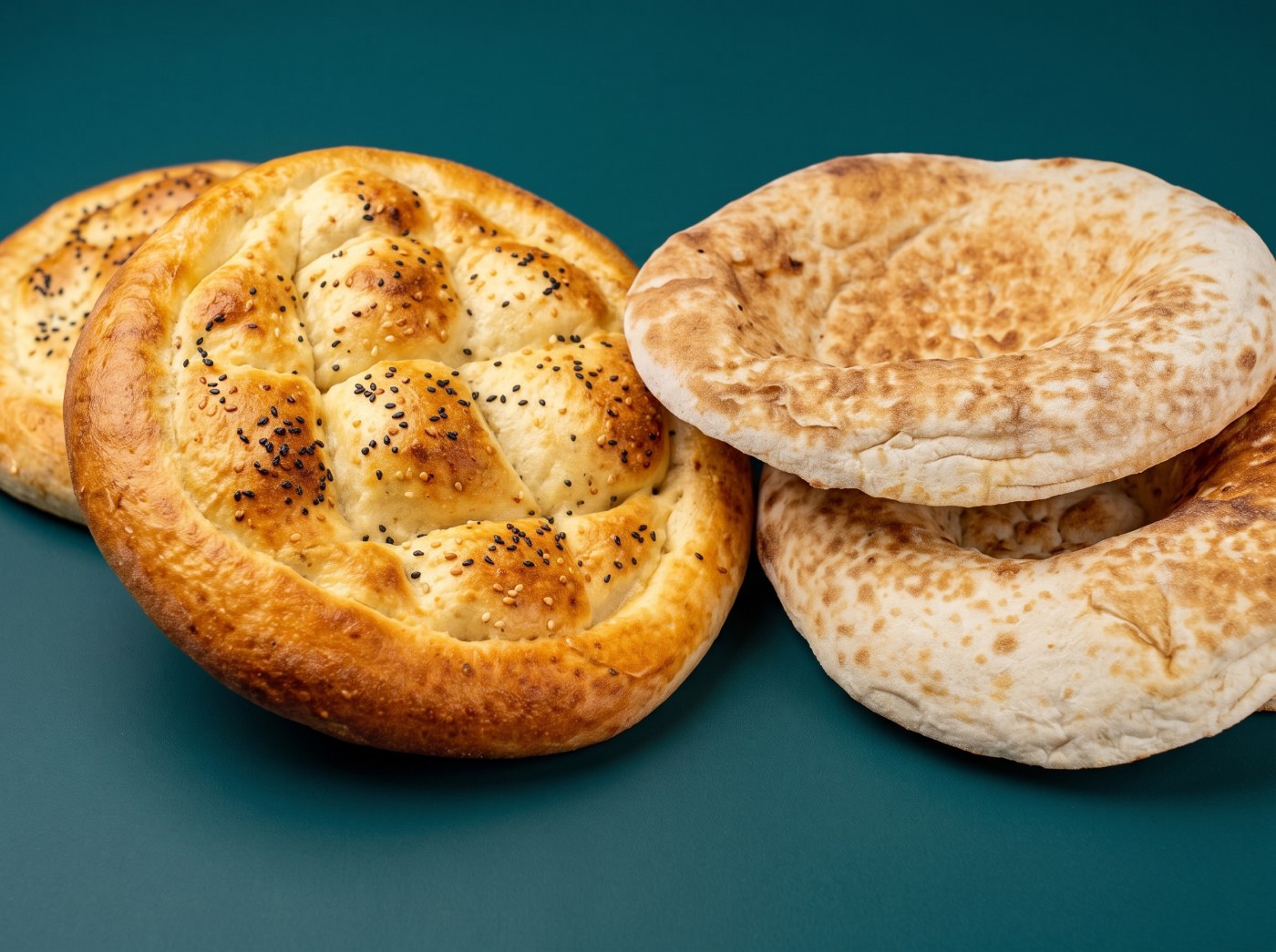
 Before
After
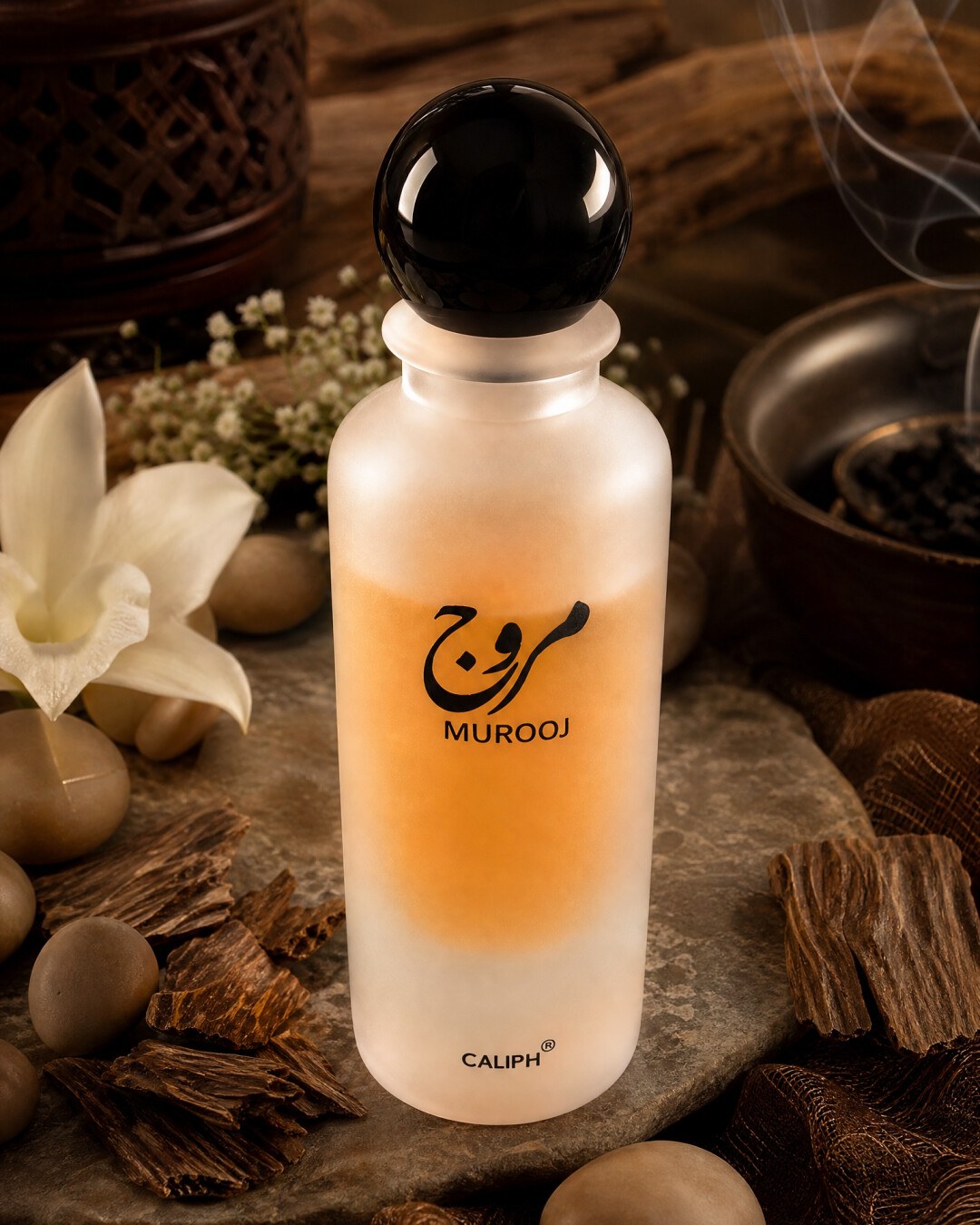
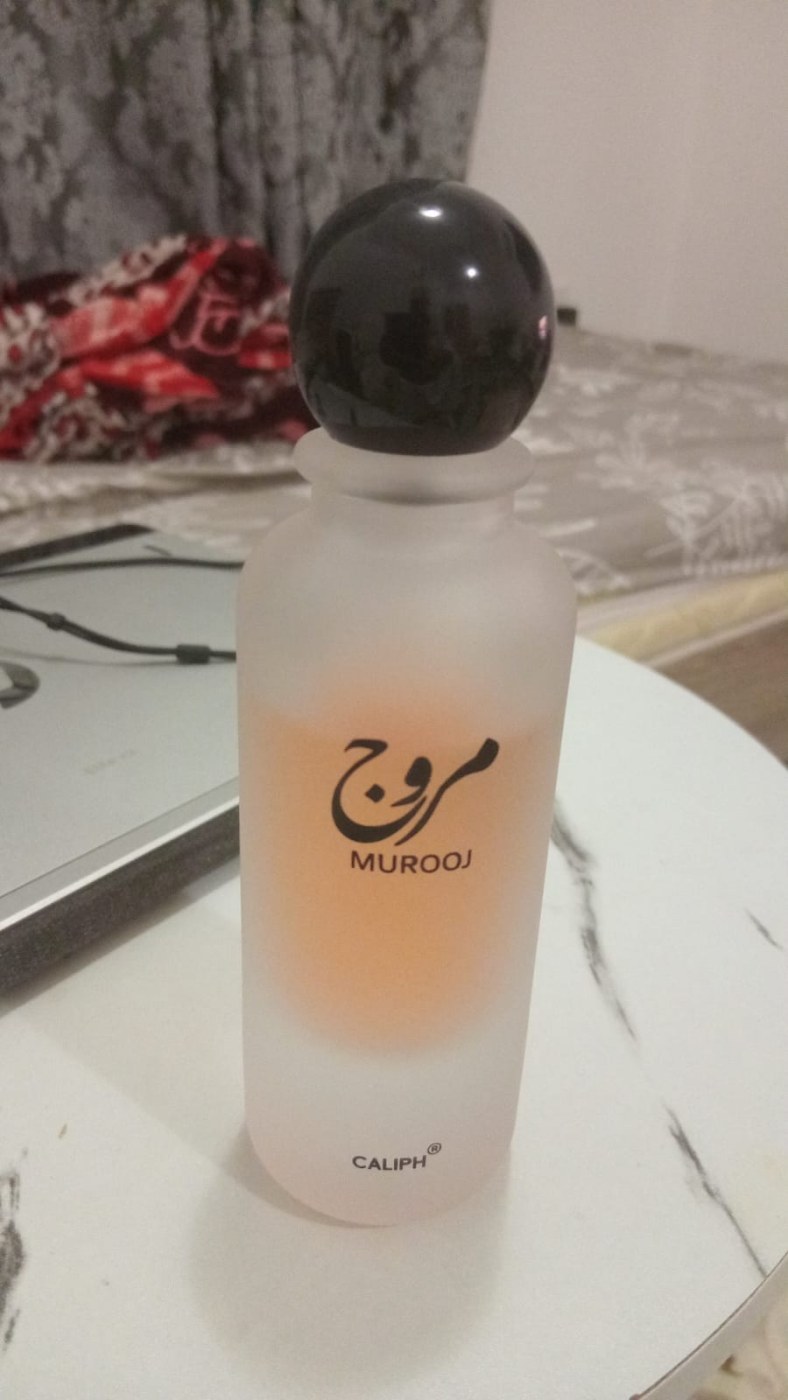 Before
After
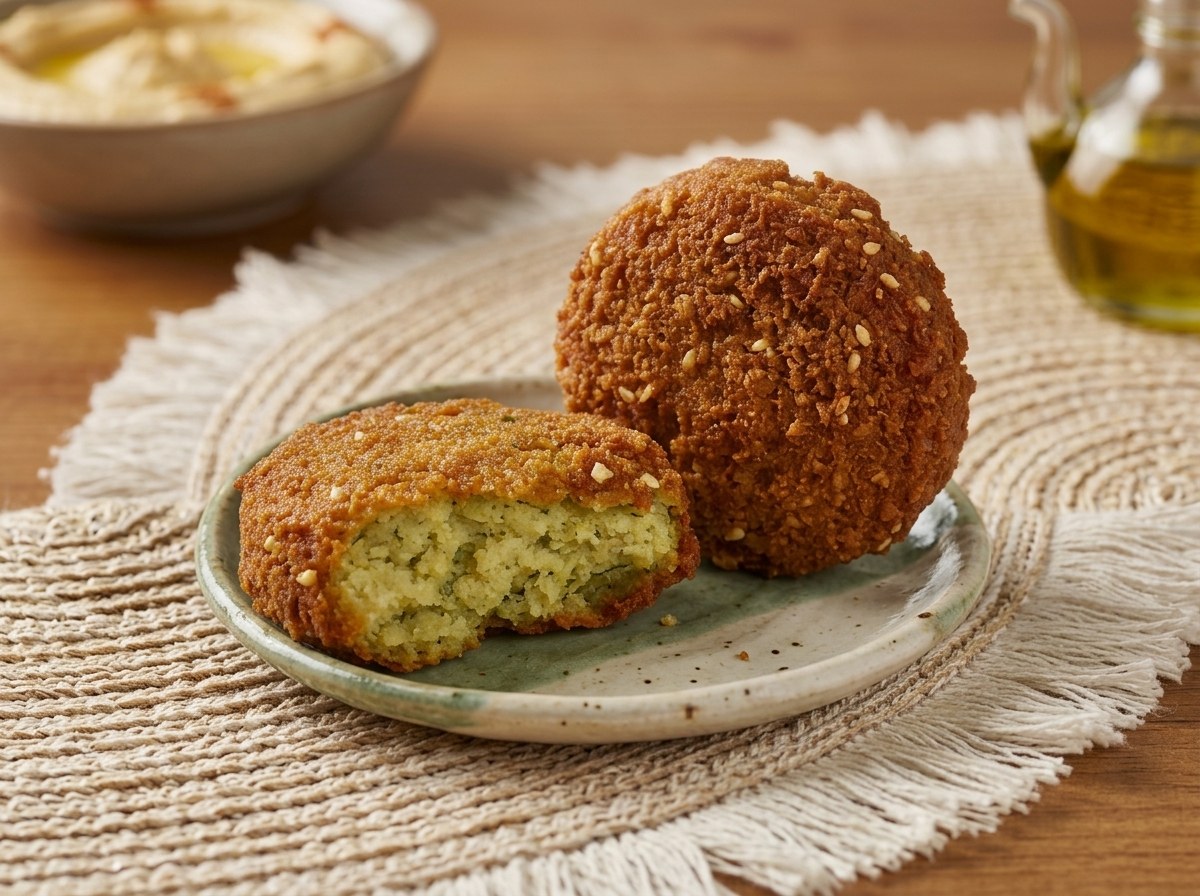
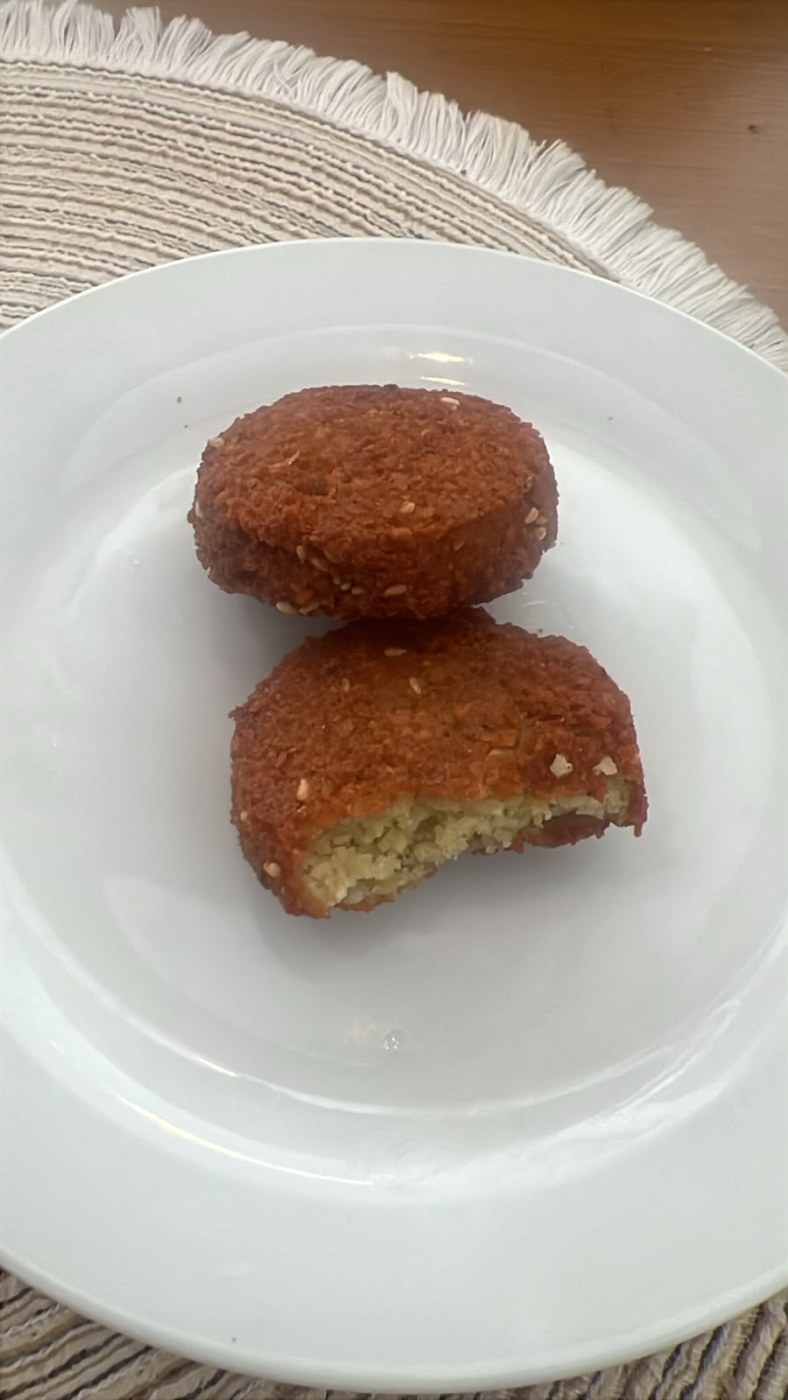 Before
After
A beautiful photo no longer needs a full day or a photographer's budget.
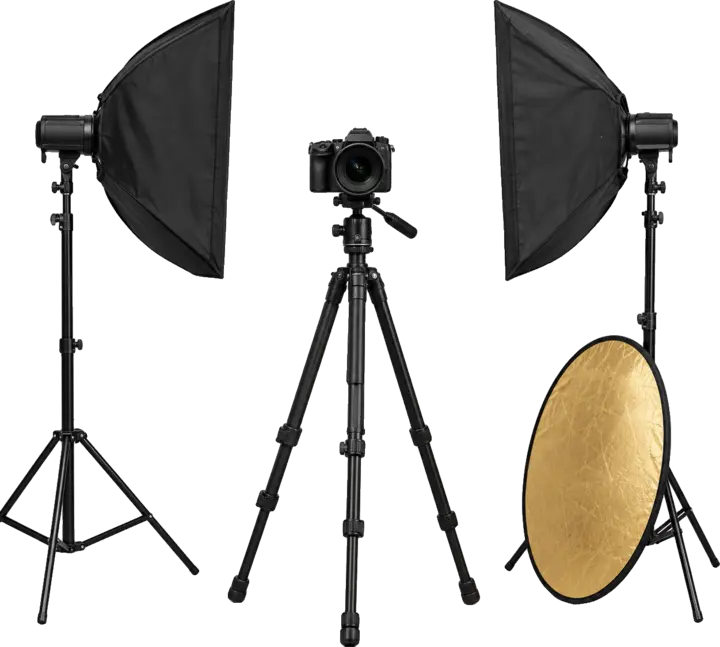
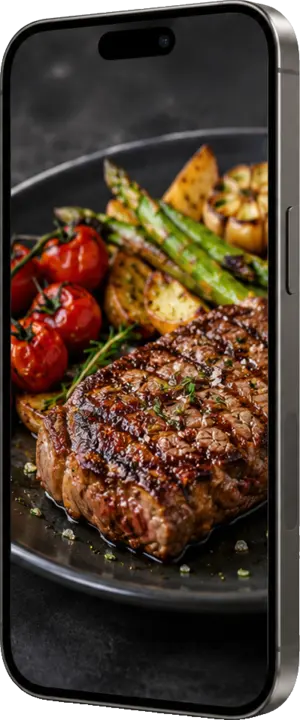
Six simple steps: the first half needs nothing more than your phone, the rest happens in your workspace on the site.
Plate the dish the way it reaches your customer, or set the product clean and tidy. That is all the prep.
With your phone camera, up close. Just keep it steady, not blurry, with the whole item in view.
Size, angle and lighting are on us. All that matters is that the item and its details are clear.
From your workspace once you top up: a single photo, or a whole menu in one batch.
Wood, marble, white or a restaurant setting for the background, then the angle, light and size that fit your menu or store.
Every try is yours: pick the best, download it in full quality, and add high quality with or without background where you need it.
Studio balance is in credits: top up once, and every pack comes with free tries that are used first. Your balance never expires.
Same price as the pack, 50% more credits every month. Unused credits carry over one month only; cancel anytime.
Your one-time credits are kept and never expire; subscription credits are used first.
How many credits does each photo use? Credits guide
Need more, or a special offer for several restaurants and stores? Message us for a special offer
No. It suits restaurants, cafés, online stores and product owners in general — anything you sell with a photo.
No. A clear phone photo is enough. What matters is that the whole dish or product is visible and the shot isn't blurry.
When a photo is generated, once your pack's free tries are used up. Before you start, the upload page tells you how many photos are free and how many credits will be deducted, and every try stays a photo you keep.
Choose “keep it as it is” to preserve your dish or product's real look while improving light and background. The goal is your product at its best — not a different one.
No. It stays in your account until you use it, so you top up once and come back whenever you need.
No. A studio account is enough. If you are a Loqma Menu subscriber, sign in with your existing account.
From the “Top up” page in your workspace, by online payment through the Thawani gateway.
Create your account, top up, and upload your first batch — all from your workspace on the site.
Get started Free tries with every pack · your balance never expires


